Decentralised News · Last reviewed 21 November 2026 · Reader decision guide
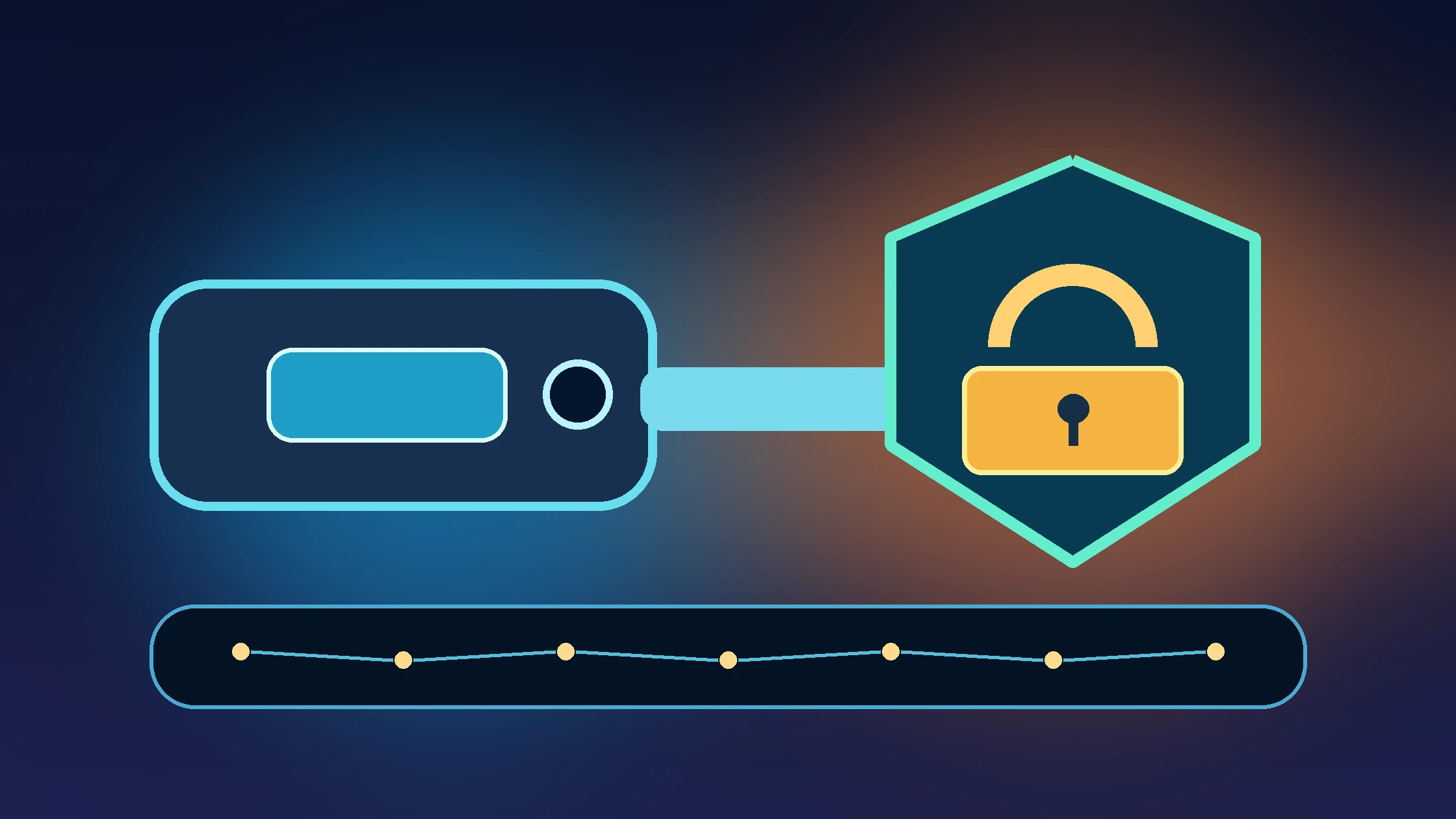
What matters: Losing a device, exchange authentication factor, or self-custody signing key are different problems. Exchange login can sometimes be restored through documented identity checks; a missing self-custody recovery secret cannot be reset by an exchange help desk.
Choose the right recovery route
| What you lost | First trusted recovery action | What not to do |
|---|---|---|
| Phone with exchange 2FA | Use another enrolled method, account recovery or official support | Give backup codes to a stranger |
| Authenticator app | Check safely stored setup key or platform recovery path | Upload the key into online recovery sites |
| Hardware security key | Use backup key/passkey or official account recovery | Disable all security without adding replacements |
| Self-custody wallet device | Assess whether seed/recovery mechanism survives and whether compromise is suspected | Type seed words into websites or support chats |
| Exchange email access | Recover email via provider and protect linked account | Trust cold-call ‘security support’ |
DN Recovery-Readiness Drill
How Kraken, Coinbase and Google differ
Kraken describes a Master Key and saved backup options, and provides support requests when sign-in methods are unavailable. Coinbase describes account-recovery verification when the phone or sign-in method is lost; it may temporarily limit transfers. Google provides separate account recovery routes including backup codes, hardware keys and trusted devices. These are different systems: an account-provider reset does not restore the private keys of a self-custody wallet.
Pre-loss prevention in ten minutes
- Enroll two independent sign-in methods where supported.
- Store backup codes offline or in a secured recovery vault, away from the primary phone.
- Document official recovery URLs and customer-service case procedures.
- Review authorized devices and login email protections.
- Enable withdrawal allowlists, lock settings and notifications where suitable.
- For self-custody, follow wallet maker instructions for offline backup and test recovery without exposing seed words to any website.
Sources, limitations and disclosure
- Kraken: lost sign-in 2FA and backup recovery
- Kraken: multiple 2FA methods
- Coinbase: lost email or 2FA access
- Google: fix 2-Step Verification
Methodology: Guidance uses the primary provider documentation linked above and a DN decision checklist; individual outcomes depend on the asset, blockchain, institution and current product rules. No live deposit or recovery procedure was performed by DN. This is educational information, not financial advice. Provider mentions do not constitute paid rankings and no unverified affiliate links are used.
Frequently asked questions
What if I lost my phone but still have a trusted device?
Use the exchange’s or account provider’s authenticated recovery and replacement procedures. Review sessions and revoke lost device access.
Can a recovery phrase restore an exchange account?
No. Exchange account authentication is separate from a self-custody wallet seed phrase.
Can a self-custody wallet be restored if my phone is gone?
Often, yes, if you possess the correct recovery phrase or approved recovery method and the wallet supports it. A lost seed and no recovery mechanism may mean permanent loss.
Does Kraken allow recovery without old 2FA?
Kraken documents Master Key, saved 2FA backup or an account support request, subject to account security settings.
Does Coinbase allow 2FA account recovery?
Yes, Coinbase documents browser-based identity verification for certain lost 2FA/phone situations, with possible temporary restrictions.
Should I pay a Telegram support agent to unlock my account?
No. Use only official support entered through a trusted bookmarked domain, and never share recovery phrases or 2FA backup secrets.
Will an authenticator backup code always work?
Not necessarily. Availability varies by provider, configuration and whether a code has already been used or revoked.
What should I prepare before losing a device?
Set up multiple independent authentication methods, securely store recovery codes, document exchange access channels and test recovery options without exposing secrets.